Concurrency Settings
Applicable role: Admin user Last updated: 2026-08-06
Concurrency is the number of requests being processed at the same moment. The organization-level limit is configured by the platform. Admin users can set lower concurrency limits for individual members.
1. What Is Concurrency
Concurrency = the number of requests allowed to be processed simultaneously at the same moment. Higher concurrency means more requests can be handled at once, but it also means greater instantaneous resource consumption. Requests exceeding the limit are throttled (queued or rejected directly).
2. Organization-Level Concurrency Limit: Set by the Platform, Not Changeable by You
The maximum parallel capacity for the entire organization is configured by the platform. There is no self-service entry in the console to modify it. To adjust, contact the platform to request a change.
On the "Profile" page header, you can see the "Concurrency Limit" metric, which displays the current concurrency limit value; when it is 0, it shows "Unlimited".
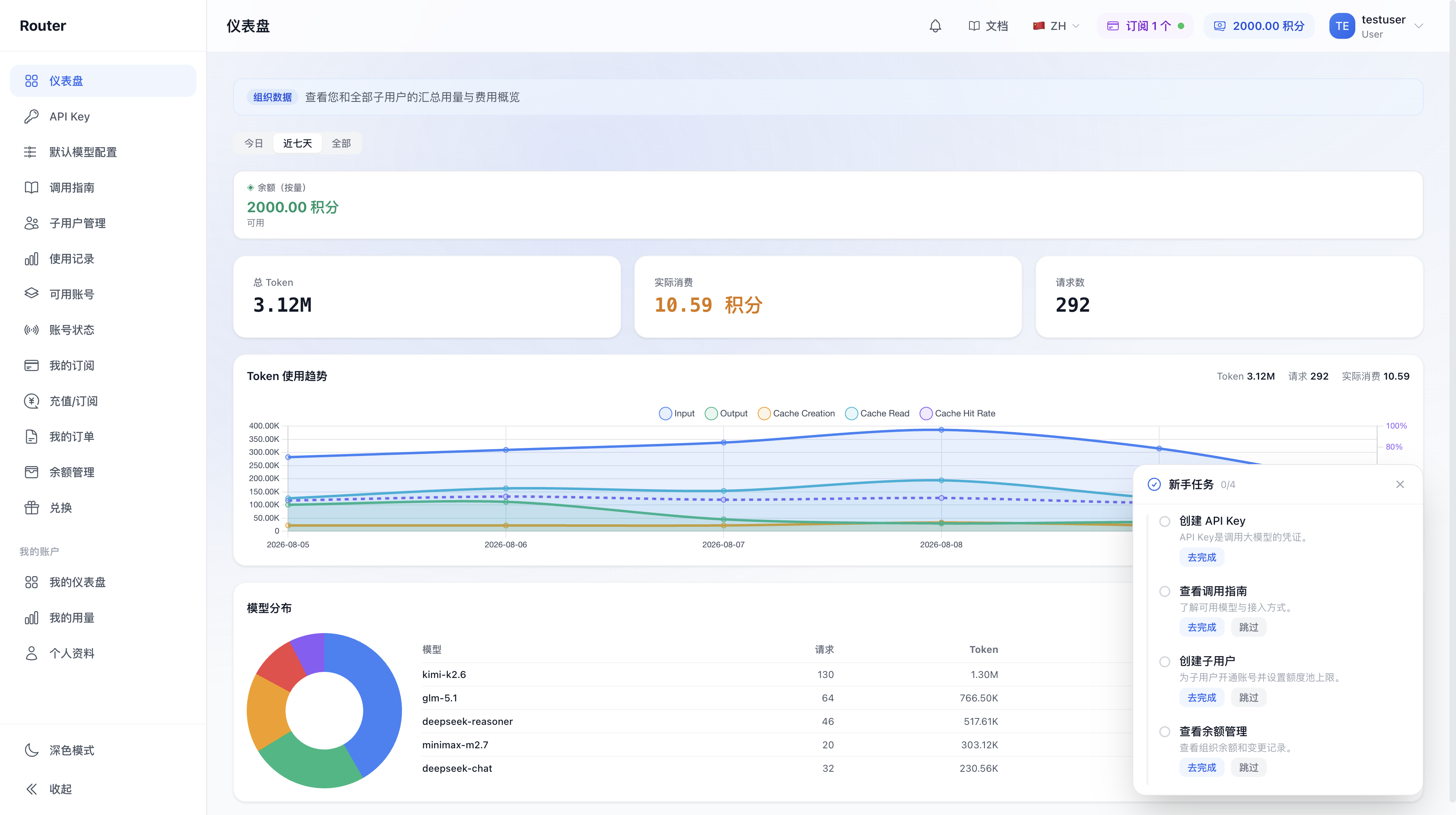
The dashboard also has a performance metrics area (RPM / TPM) reflecting real-time request / token rates:
3. Member-Level Concurrency: You Can Set It Yourself
Unlike the organization level, you can set individual member concurrency limits yourself: when creating or editing a member, there is a "Concurrency Limit" field (optional). Fill it in to limit how many requests this member's Keys can process simultaneously at the same moment. Leave empty for unlimited.
In the same location, there is also an "RPM Limit" (maximum calls per minute), which is also optional. Both are used for member resource management. See Member Management for details.
Summary: To tighten concurrency for a specific member -> set it in the member's edit dialog; To raise the organization's concurrency ceiling -> contact the platform.
4. When to Request an Organization Concurrency Limit Increase from the Platform
Consider requesting an increase in these situations:
- Business requests are frequently throttled, affecting normal operations.
- Onboarding new business with an expected significant increase in concurrency.
- Peak-period parallel call demand exceeds the current limit.
How to request: Prepare the organization name, current limit (if known), target value, and business context. Contact the platform via support ticket, sales, or customer service email. Once effective, the new limit applies without re-logging in or recreating Keys.
Confirm that there is an actual concurrency bottleneck before requesting to avoid over-requesting.
5. FAQ
Q: I cannot find where to change the organization concurrency limit in the console? A: The organization-level concurrency limit is configured by the platform and has no self-service entry. Contact the platform as described above.
Q: Can I set different concurrency limits for different members? A: Yes. Set the "Concurrency Limit" field when creating or editing each member.
Q: Do I need to log in again or recreate Keys after a concurrency limit change? A: No. Once effective, subsequent requests follow the new limit.
Q: Is higher concurrency always better? A: No. Higher concurrency means greater instantaneous resource consumption. Request based on actual needs.
Q: Is concurrency throttling the same as insufficient balance / quota? A: No. Concurrency throttling means too many simultaneous requests at the same moment. Insufficient balance / quota is a funds or quota issue (see Low Balance Alerts). The errors and resolutions are different.