Account System
Applicable roles: Admin user, Member user Last updated: 2026-08-06
The platform's organization account includes two types of roles: admin user and member. Both can call models, but they differ in management scope and data visibility.
Role Comparison
| Role | Primary Responsibilities | Data Scope |
|---|---|---|
| Admin user | Manage organization credit balance, members, permissions, subscriptions, and organization usage | Organization-wide summary and subordinate members |
| Member | Manage personal API Keys, call models, and view personal usage | Current user only |
The admin user is both an administrator and a caller who can create their own API Keys. Member accounts are created by the admin user and cannot manage the organization's credit balance or other members.
Balance, Quota, and Subscriptions
| Item | Level | Purpose |
|---|---|---|
| Credit balance (total quota pool) | Organization | Pays for usage-based calls by both the admin user and members |
| Member quota pool limit | Member | Limits the cumulative usage-based credits a member can consume |
| Key limit | API Key | Limits spending or request count for a single Key |
| Subscription quota | Subscription | Provides independent quota on a daily, weekly, or monthly window |
Members do not have an independent balance. Usage-based requests are deducted from the organization's credit balance while counting toward the member's quota pool limit and Key usage. Subscription-type Keys use subscription quota and do not consume usage-based quota.
For details, see Balance and Quota Allocation and Subscription Management.
Permissions and Groups
The organization's available models are determined by its group scope. The admin user can assign groups within that scope to members, and members can then select from their authorized groups when creating Keys.
A typical model-name request goes through the following scope checks:
- The organization owns the target group;
- The current member is assigned that group;
- The API Key is bound to the group;
- The target model and upstream account are currently available.
The admin user cannot expand the organization's group scope on their own. To add models, groups, or organization-level concurrency, contact the platform.
Console Entry Points
| Feature | Admin User | Member |
|---|---|---|
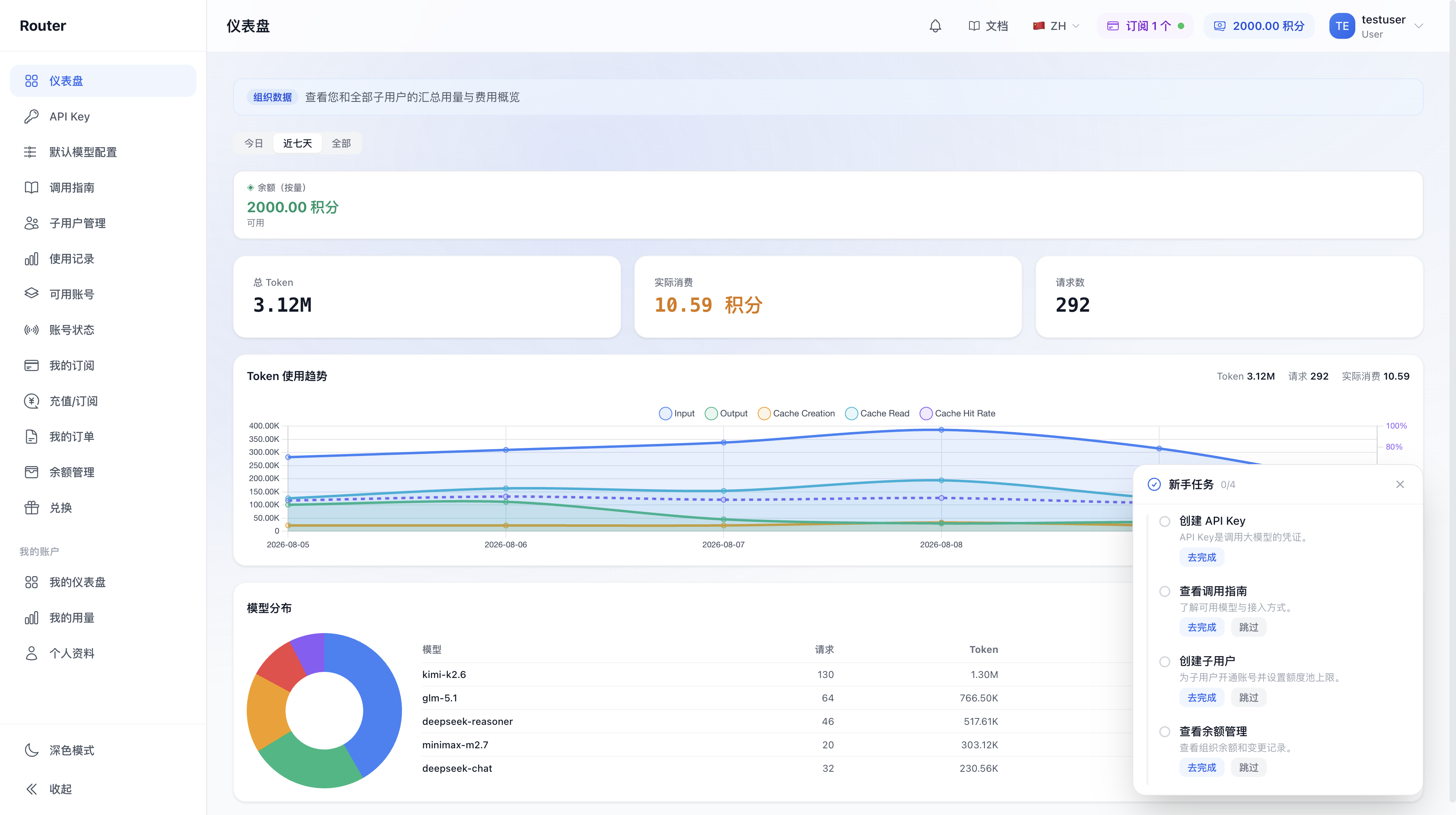
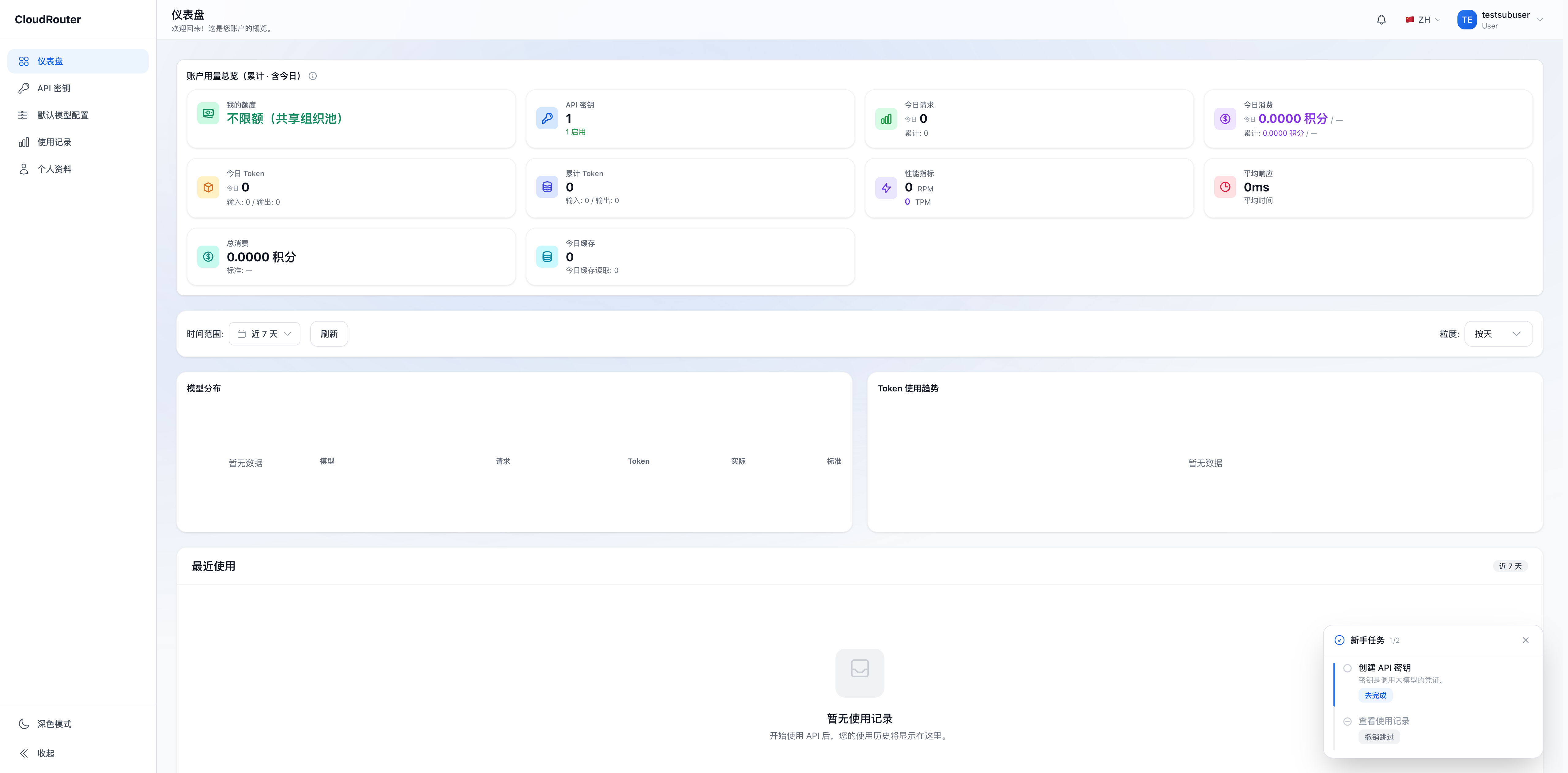
| Dashboard, API Key, Default Model Configuration | Available | Available, own data only |
| Usage records | Organization and member data | Own data only |
| Member Management, Balance Management, Redeem | Available | Not available |
| Subscriptions | Manage or view | View assigned subscriptions |
| Call Guide | Available | Available |
| Account Status | Available | Not available |
Online payment, orders, and other extended entry points are displayed based on capabilities enabled for the account and do not affect basic API calls.
How to Determine Your Current Role
If you see organization management entries such as "Member Management", "Balance Management", and "Redeem", the current account is an admin user. If only personal Key, usage, subscription, and profile entries are displayed, the current account is a member.
For the mapping between legacy account names and current roles, see Migration Guide. For a more complete permission matrix, see Roles and Permissions.